Building a "Did You Mean" Feature with Lucene
How to implement Google-style spell correction in Apache Lucene using Hunspell dictionaries — with working Java code.
Introduction
If you're building a search engine with Apache Lucene, one of the most valuable features you can add is spell correction — the "Did you mean?" prompt that appears when a user misspells their query.
What is the "Did You Mean" Feature?
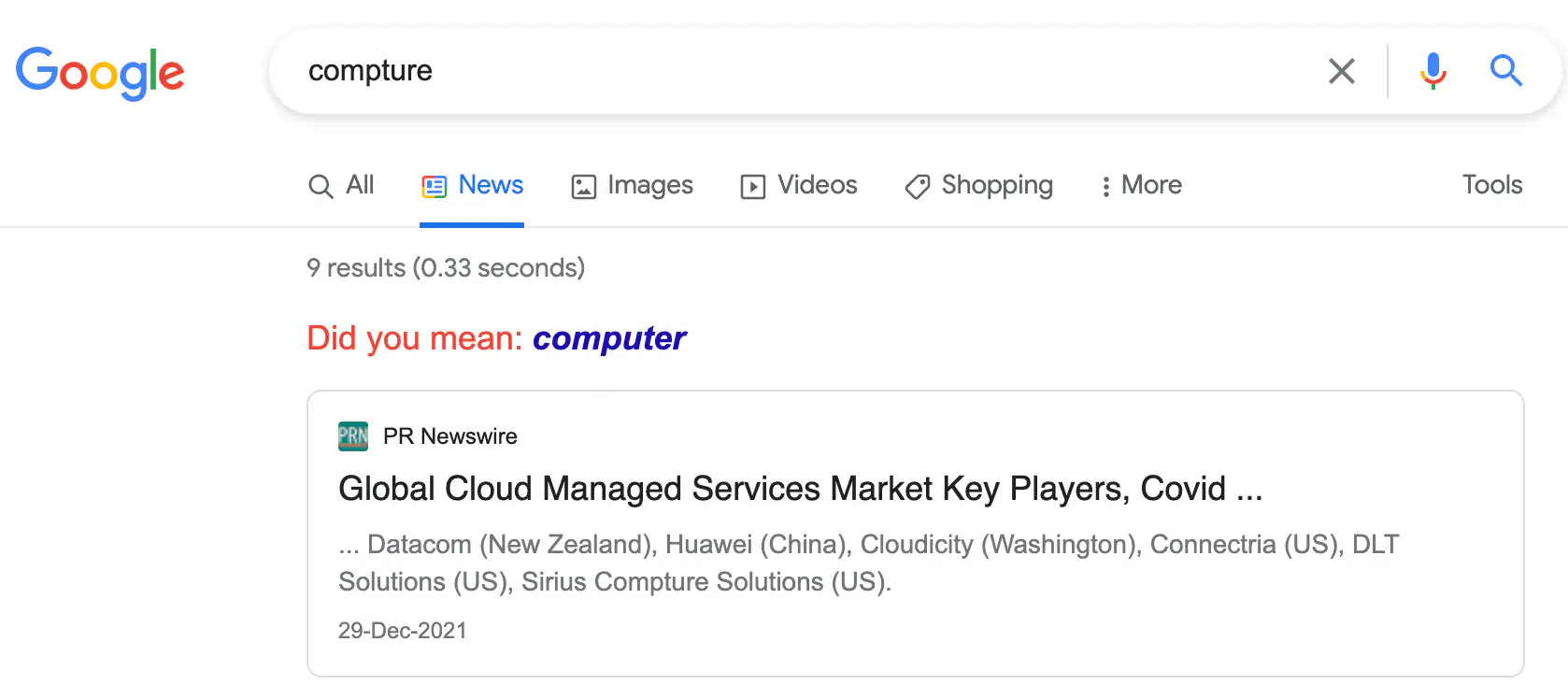
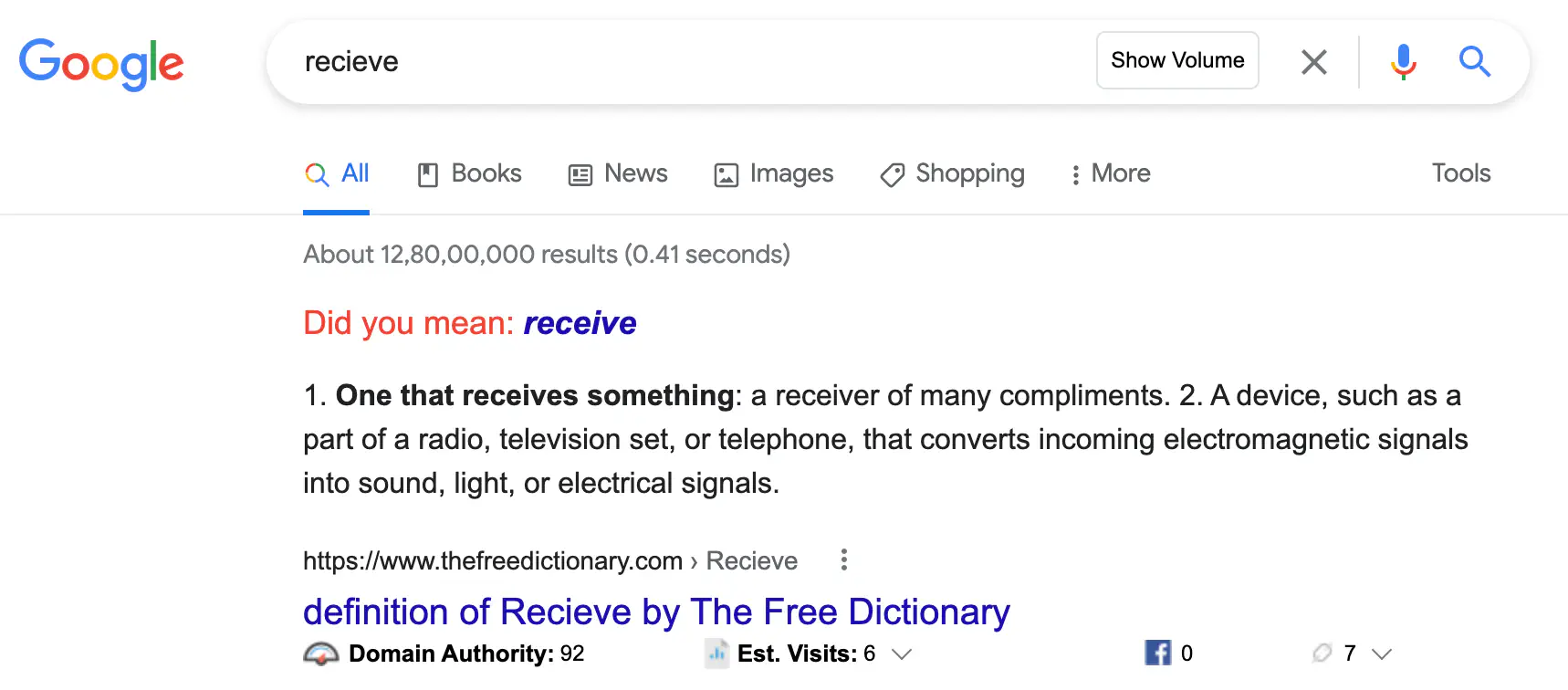
Whenever you misspell a word in Google, it figures out you made a mistake. If the mistake is minor, it silently shows results for the correct spelling. If the difference is significant, it explicitly asks: "Did you mean: [correct word]?"
We can build a similar feature in Lucene. To do that we need two capabilities:
- Detect when a word is misspelled
- Suggest the correct spelling
Both can be achieved with Lucene's Hunspell class.
The Approach: Hunspell
Hunspell is a spell checker and morphological analyser originally designed for Hungarian — a language with rich morphology. It's now used by LibreOffice, Firefox, Chrome, and macOS. Lucene ships with Hunspell support in its analyzers-common library.
Dependencies
<dependency>
  <groupId>org.apache.lucene</groupId>
  <artifactId>lucene-core</artifactId>
  <version>8.10.1</version>
</dependency>

<dependency>
  <groupId>org.apache.lucene</groupId>
  <artifactId>lucene-analyzers-common</artifactId>
  <version>8.10.1</version>
</dependency>
Hunspell Dictionary Files
Hunspell needs two files to work:
- Affix file (.aff) — contains rules for suffixes and prefixes. For example, a rule might say: the suffix
iedcan only be applied if the last character isy. - Dictionary file (.dic) — contains a list of words, one per line. Each word may be followed by flags describing its valid affixes.
You can find English (en-US) affix and dictionary files from the LibreOffice dictionaries repository. Files for other languages are also available there.
Java Code
Here's a working example. It checks spelling and suggests corrections:
public class DidYouMean {
  public static void main(String[] args) throws IOException, ParseException {
    Directory directory = FSDirectory.open(Files.createTempDirectory("temp"));

    InputStream affFileStream = new FileInputStream(
      "src/main/resources/hunspell/en-US/en_US.aff");
    InputStream dicFileStream = new FileInputStream(
      "src/main/resources/hunspell/en-US/en_US.dic");

    Dictionary dictionary = new Dictionary(
      directory, "spellCheck", affFileStream, dicFileStream);
    Hunspell spellChecker = new Hunspell(dictionary);

    String correctWord = "guava";
    String misspelledWord = "recieve";

    System.out.println(String.format(
      "Is %s spelled correctly?: %b",
      correctWord, spellChecker.spell(correctWord)));

    System.out.println(String.format(
      "Is %s spelled correctly?: %b",
      misspelledWord, spellChecker.spell(misspelledWord)));

    System.out.println(String.format(
      "Did you mean: %s",
      spellChecker.suggest(misspelledWord)));
  }
}
Output:
Is guava spelled correctly?: true
Is recieve spelled correctly?: false
Did you mean: [receive]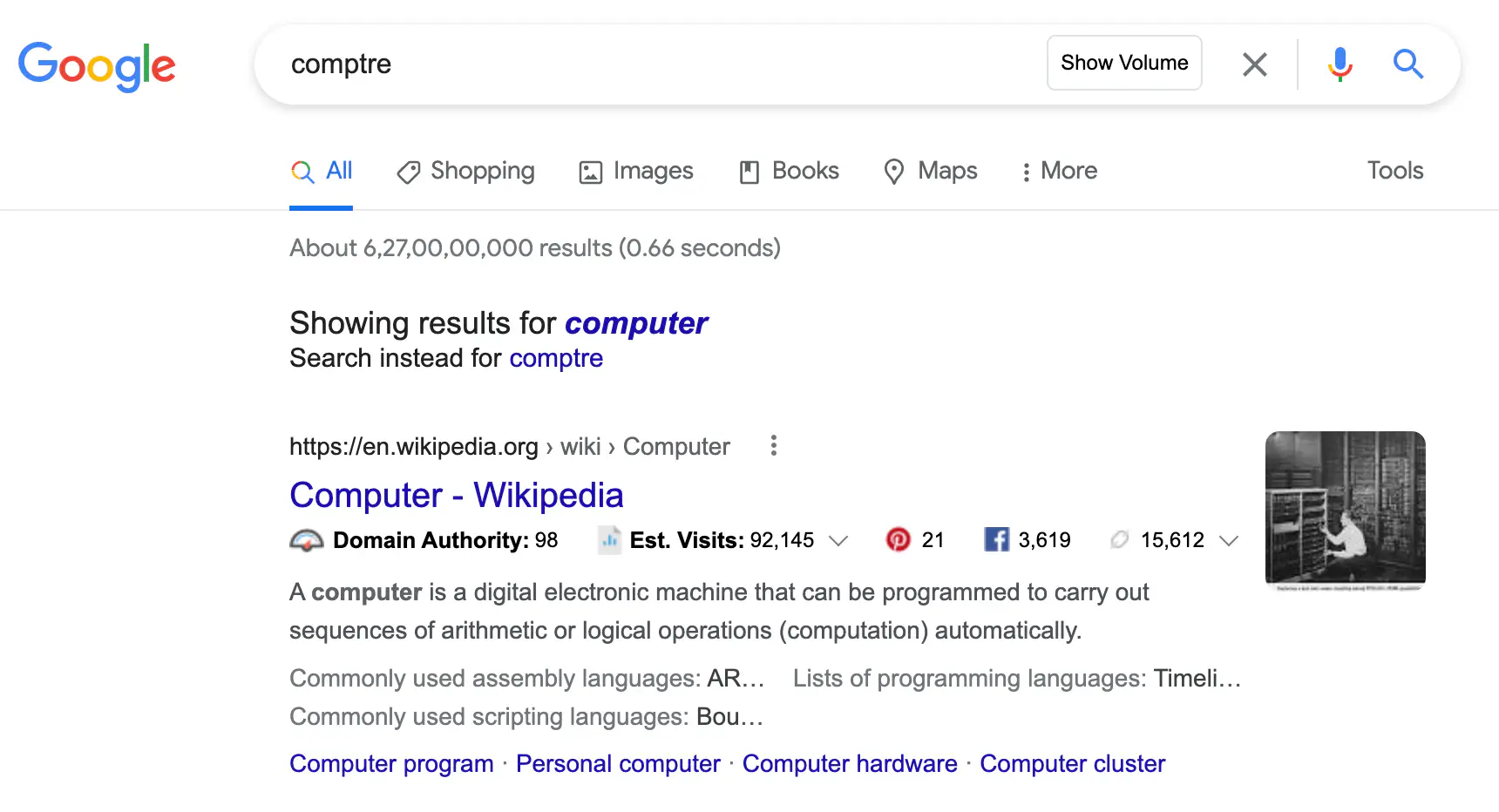
How Hunspell Dictionaries Work
Consider this minimal dictionary file:
3
hello
try/B
work/AB
And this affix file:
PFX A Y 1
PFX A 0 re .

SFX B Y 2
SFX B 0 ed [^y]
SFX B y ied y
Flag A defines a re- prefix. Flag B defines two -ed suffixes — one for words not ending in y, one for words ending in y.
All accepted words with this combination: hello, try, tried, work, worked, rework, reworked.
Using these rules, Hunspell determines whether a word can be formed from the dictionary + affix rules — and if not, suggests the closest valid word.
Conclusion
We've seen what the "Did You Mean" feature is, how to build it in Lucene using the Hunspell class, and how Hunspell dictionaries work under the hood. With just two dictionary files and a few lines of Java, you can add Google-quality spell correction to your Lucene search application.